You haven't signed in yet, you can have a better experience after signing in
*Please complete the payment within {{receiveCouponInfo.expire_at}}Previous use*
You haven't signed in yet, you can have a better experience after signing in
 Seer One click space quick preview viewing tool software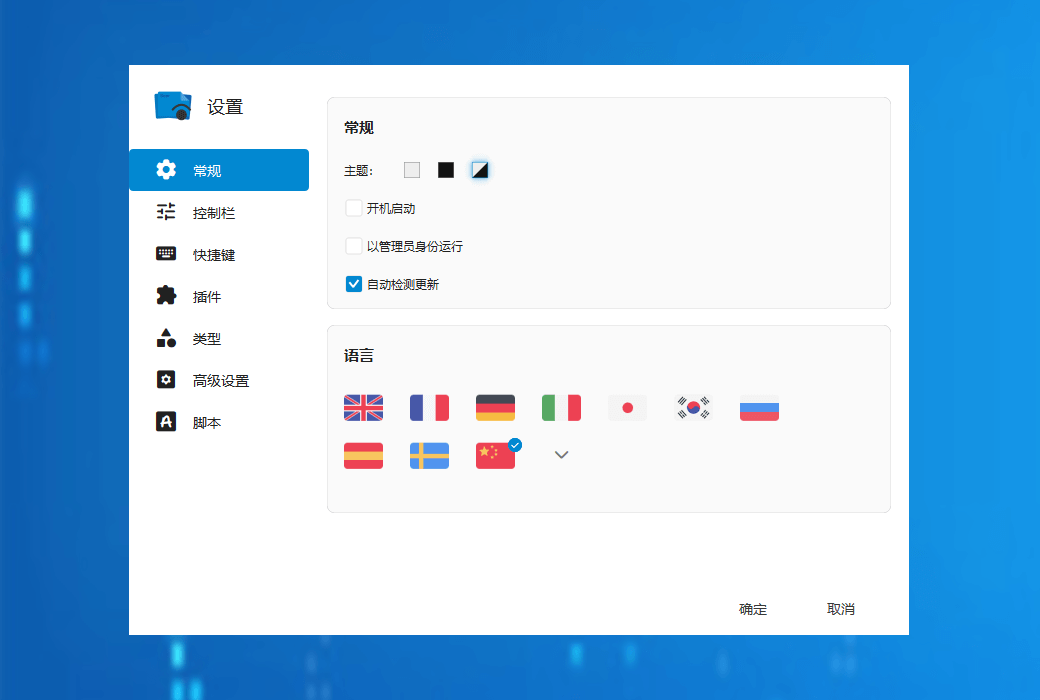





Activity Rules
1、Activity time:{{ info.groupon.start_at }} ~ {{ info.groupon.end_at }}。
1、Activity time:cease when sold out。
2、Validity period of the Group Buying:{{ info.groupon.expire_days * 24 }} hours。
3、Number of Group Buying:{{ info.groupon.need_count }}x。
Please Pay Attention
1、Teamwork process: Join/initiate a Group Buying and make a successful payment - Within the validity period, the number of team members meets the activity requirements - Group Buying succeeded!
2、If the number of participants cannot be met within the valid period, the group will fail, and the paid amount will be refunded in the original way.
3、The number of people required and the time of the event may vary among different products. Please pay attention to the rules of the event.
Seer allows you to quickly view windows like in macOS, but it is more powerful, customized, and runs faster than it.
Large file format
Supports hundreds of file formats: video, audio, image, text, markdown, and PDF.
Content can be copied
Copy video frames, images, or selected text from the preview version to the clipboard.
Quick Launch of Applications
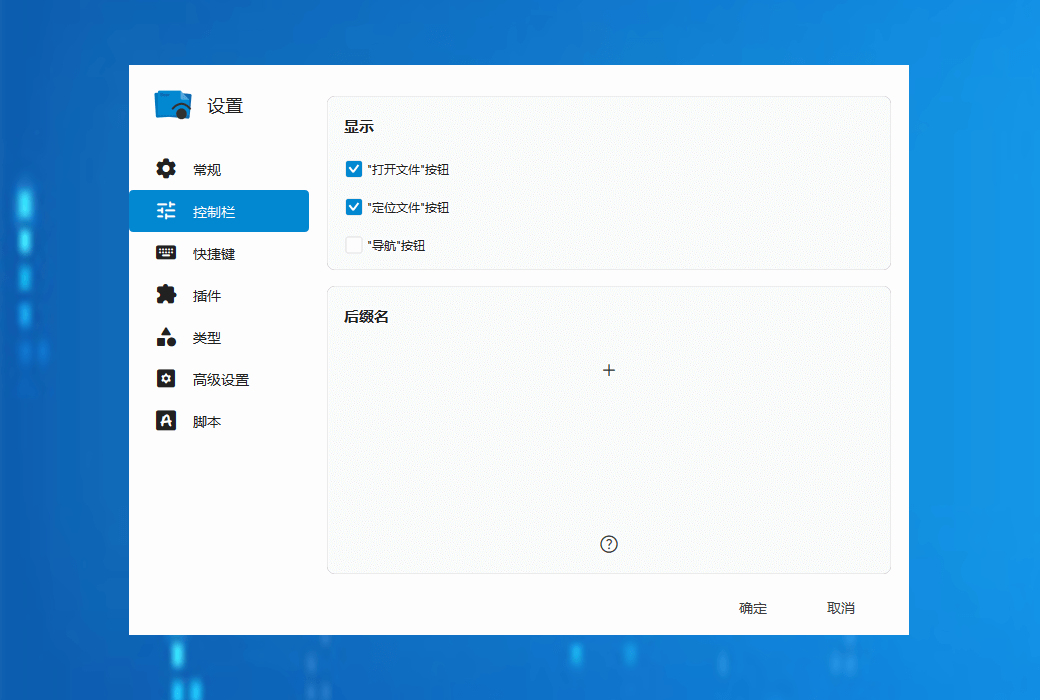
Customize behavior for third-party applications in the control bar.
Support file preview in multiple formats
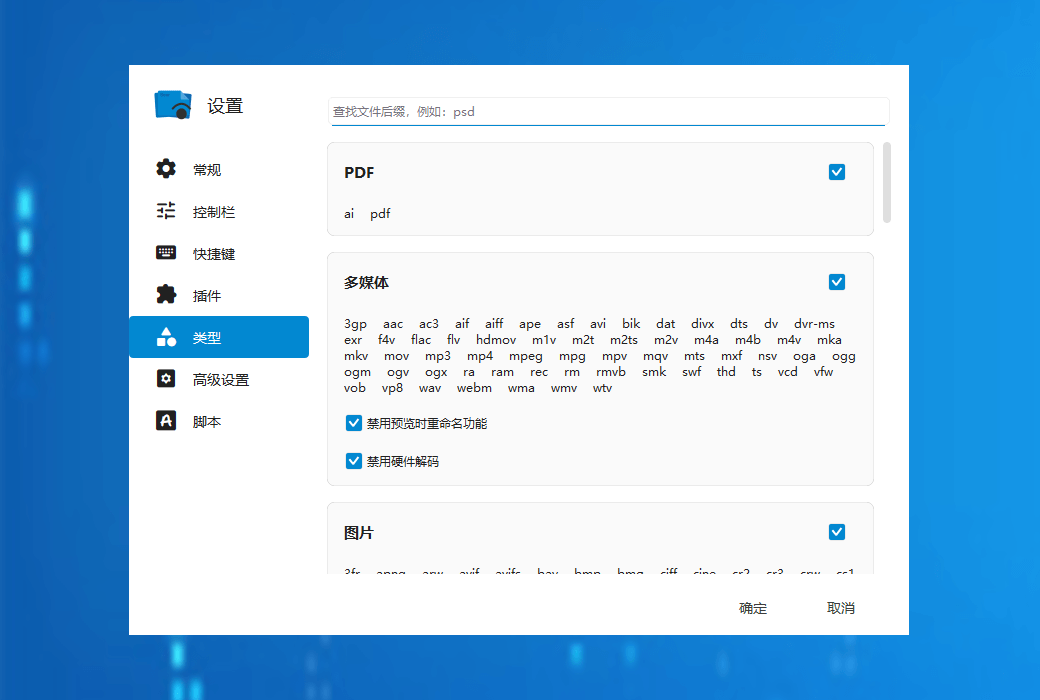
Seer supports previewing files in almost all formats, and the software supports common formats such as:
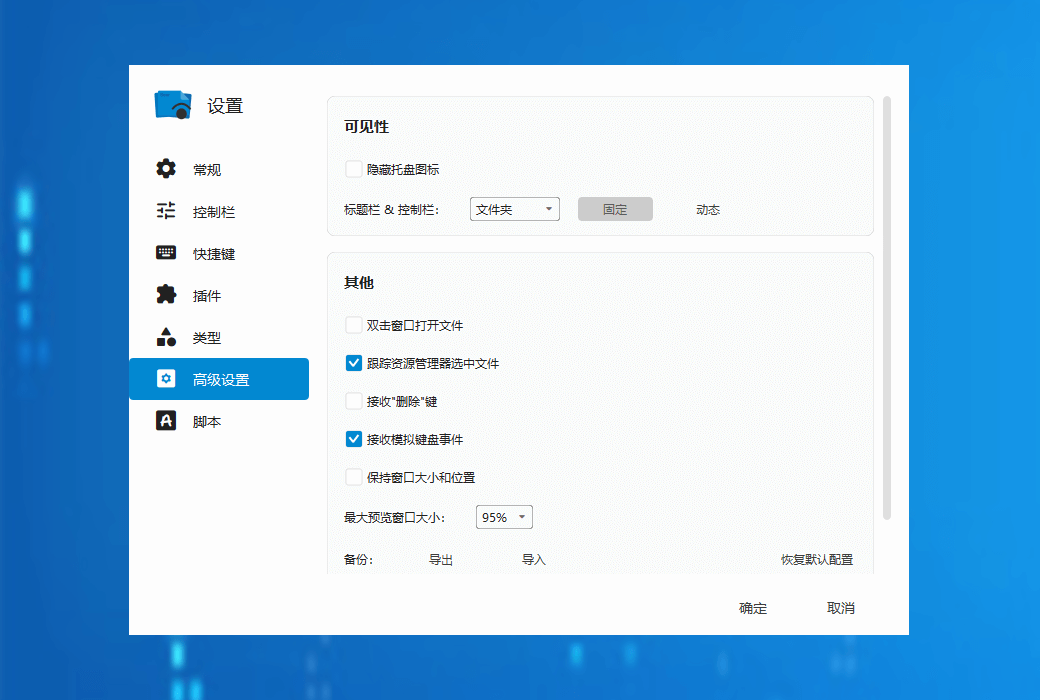
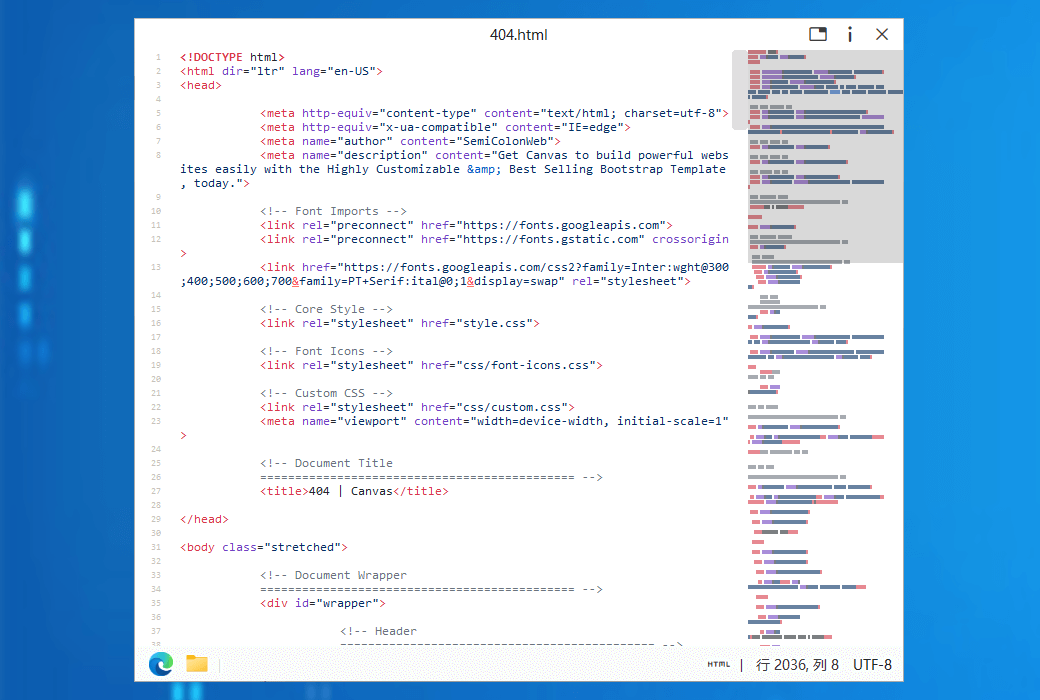
Seer not only supports previews of various common file formats in daily life, but also supports almost all code file formats. At the same time, it can highlight code according to file formats, providing programmers with a good user experience. Additionally, in the settings, you can also enable the option to display the number of lines of code to further enhance the preview effect.
Official Website:http://1218.io/
Download Center:https://seer.apsgo.cn
Delivery Time:Automatic delivery within 24 hours
Operating Platform:Windows
Interface Language:Supports Chinese interface display, with multiple languages available.
Update Instructions:The software manufacturer promises permanent use and free updates.
Trial Before Purchase:3 days free trial.
How to Receive the Product:After purchase, the activation information will be sent to the email address used for ordering. You can also view the corresponding product activation code in your personal center, under "My Orders".
Number of Devices:Can be installed on 1 computer.
Changing Computers:Activate according to the number of devices supported by the purchased license. Can be used for personal computer system reinstallation, and supports device migration and management.
Activation Guide:To be added.
Special Notes:Starting from October 24, 2024, we will begin selling the desktop version, which requires an activation code to activate the software. As of April 2, 2022, the Microsoft Store version is available for sale on Ruangou Mall.
References:https://support.qq.com/products/366565

Any question